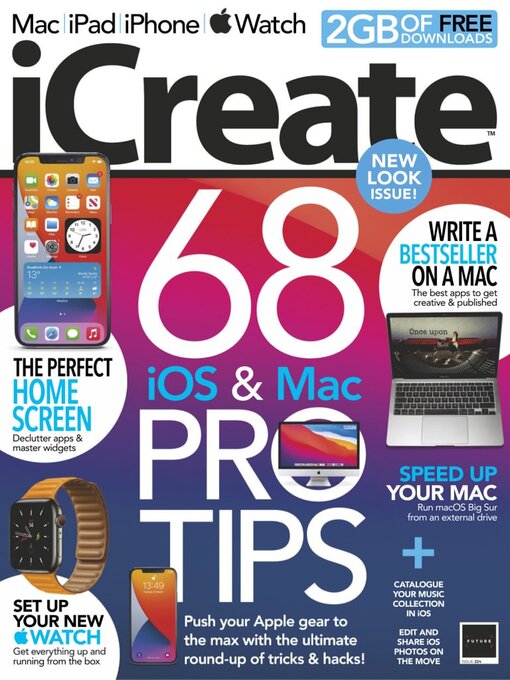
iCreate is the creative magazine for Apple computer users. Made for Mac users by Mac users, it provides sumptuously designed, essential content for Apple aficionados and switchers alike. Featuring in-depth tutorials in iMovie, iPhoto and the rest of the iLife applications as well as iTunes and Mac OS X, it is the magazine no Apple addict can be without. If Apple made a magazine, it would be iCreate. Please note: Digital versions of the magazines do not include the covermount items or supplements that you would find on printed editions.
iCreate 224 • “A 21.5-inch, late 2015 iMac that you can’t upgrade doesn’t combine well with Big Sur”
Meet the experts
Free with your magazine • Instant access to these incredible free gifts…
Apple announces WWDC 2021 • Apple’s 2021 World Wide Developers Conference is June 7-11, so what can we expect?
5 Things we learned this month
iCandy iPod 3G (2003) • The third generation of iPod shifted the four control buttons from around the scroll wheel to above it (and backlit them) and also introduced us to the 30-pin dock connector.
68 iOS & Mac PRO TIPS • A compilation of tips and tricks to help you become a black belt in using your Mac and iOS devices
Edit on the go with iOS Photos • Use the iOS version of Photos to improve the colour, tone and composition of Raw files
Combine different clips of your pet in iMovie • Use post-production tools in iMovie to present your pet’s antics in a fun social media montage
Creative cutting without relying on transitions • Tell a slicker story using pro tricks and techniques such as whip pans, L-cuts and jump cuts
Perfect your audio timing using flex markers • Learn how to manually edit the timing of audio wave ‘transients’ using flex markers or automatically with quantisation
Create random drum fills with Logic’s Arpeggiator • Take the pain out of programming drum fills by using Logic Pro’s Arpeggiator
Run macOS Big Sur from an external HD for faster results • Is your Mac upgraded to the hilt and still sluggish, or cannot be upgraded at all? Then maybe an external HD running macOS could be the answer
Speed up the web with some simple Safari tweaks • Discover how to configure Safari’s settings to make web pages load and display much faster
10 ways to protect your Mac • How to stay safe from security and malware threats
Scan and email documents on your Mac • Insert scanned documents into emails on your Mac in Mail using an iPhone as a hand-held scanner
Combine PDF documents on the Mac • Take several small PDF documents and merge them into one long PDF for convenience and easier reading
Collect and organise stuff with Anybuffer • Store almost anything in Anybuffer and use multiple views and smart views to organise and filter items
Write a novel on your Mac • Everything you need to know about planning, writing, editing and publishing your first book
Create your perfect iPhone Home Screen • From wallpaper to widgets, folders to the Dock, there are many ways to create a Home Screen that works better for you
See podcast privacy issues before subscribing • Podcasts can track your activities. Use the Overcast podcast player to see which podcasts are doing this
Manage Podcasts space on your iPhone • Don’t let podcasts fill up your iPhone’s storage with shows that you will never get around to listening to
Connect your iPhone to a Windows PC • Make and receive phone calls, listen to audio from your iPhone and check your Apple notifications on a PC using a new Windows 10 app
Record a video accompanied by background music • It is possible to add a soundtrack while you are recording a video
Create photo grids with iOS Shortcuts • Use...